Spot the Difference: Free Observation Game for Kids
Two rows look almost the same. Tap the one picture that is different.
What is Spot the Difference?
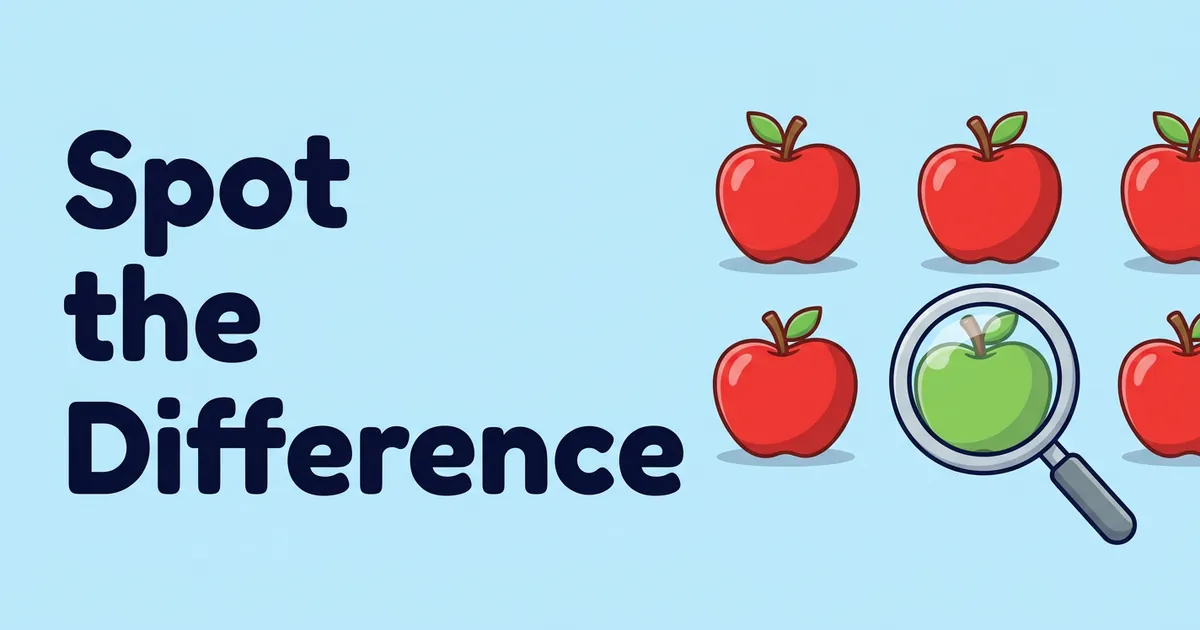
Spot the Difference is a free observation game for kids. Two rows of mixed pictures look almost the same, but one picture has been swapped for a lookalike, like a tiger for a lion. Your child taps the one that changed.
There is no timer and no pressure, so children can look slowly and build focus and attention to detail.
How to play Spot the Difference
- Look at the top row of pictures.
- Look at the bottom row and compare it with the top, one picture at a time.
- Tap the picture in the bottom row that is different.
- Talk about what changed, like "it is green, not red".
What kids learn from Spot the Difference
Visual discrimination
Telling similar pictures apart is an early reading skill, since letters also look alike.
Attention to detail
Slow, careful looking builds focus without a timer.
Describing differences
Naming color and shape differences grows descriptive vocabulary.
Make Spot the Difference easier or harder
In Settings choose 3, 4 or 5 pictures per row. Rows of 4 or 5 add subtle changes, like a moon facing the other way.
Tips for parents and teachers
- There is no timer. Let her look slowly and take her time.
- Ask her to point at each picture in the top row, then the bottom row, one by one.
- Talk about the difference after: "It is green, not red!"
- Start with 3 pictures in Settings, then move up to 4 and 5.
Spot the Difference questions from parents
What age is Spot the Difference for?
It suits ages 3 to 5.
Is there a time limit?
No. There is no timer, so children can take as long as they like.
How is this different from a puzzle?
It uses simple rows of emojis so young children can succeed and build confidence.
More free learning games for kids
Find Spot the Difference in these collections
Help shape Pip & Play
This site is built by one parent for little learners. Have an idea for a new game, or something that would make Spot the Difference better? I read every message.
Opens your email app with a short template. The more detail you add, the easier it is to build.